





If you’re a Smart postpaid user and still using a plastic SIM card, now is the perfect time to upgrade. Smart recently enabled postpaid subscribers to switch from Smart Postpaid Physical SIM to eSIM, a digital SIM that’s built directly into your device. The upgrade process is quick, hassle‑free, and only takes a few minutes.
This guide will walk you through what an eSIM is, why switching from a physical SIM to eSIM is worth it, and how to complete the upgrade step by step. Whether you’re setting up a new phone or simply want a more convenient digital setup, here’s everything you need to know.
Why Upgrade from Smart Postpaid Physical SIM to eSIM
An eSIM means “embedded SIM.” It is a digital version of your SIM card that is built into your phone. You no longer need to remove or insert anything when changing networks or devices.
New to eSIMs? Start with our complete guide to what eSIM is and how it works.
Smart introduced eSIM technology to make mobile service faster and more flexible. Here are a few reasons postpaid users prefer it:
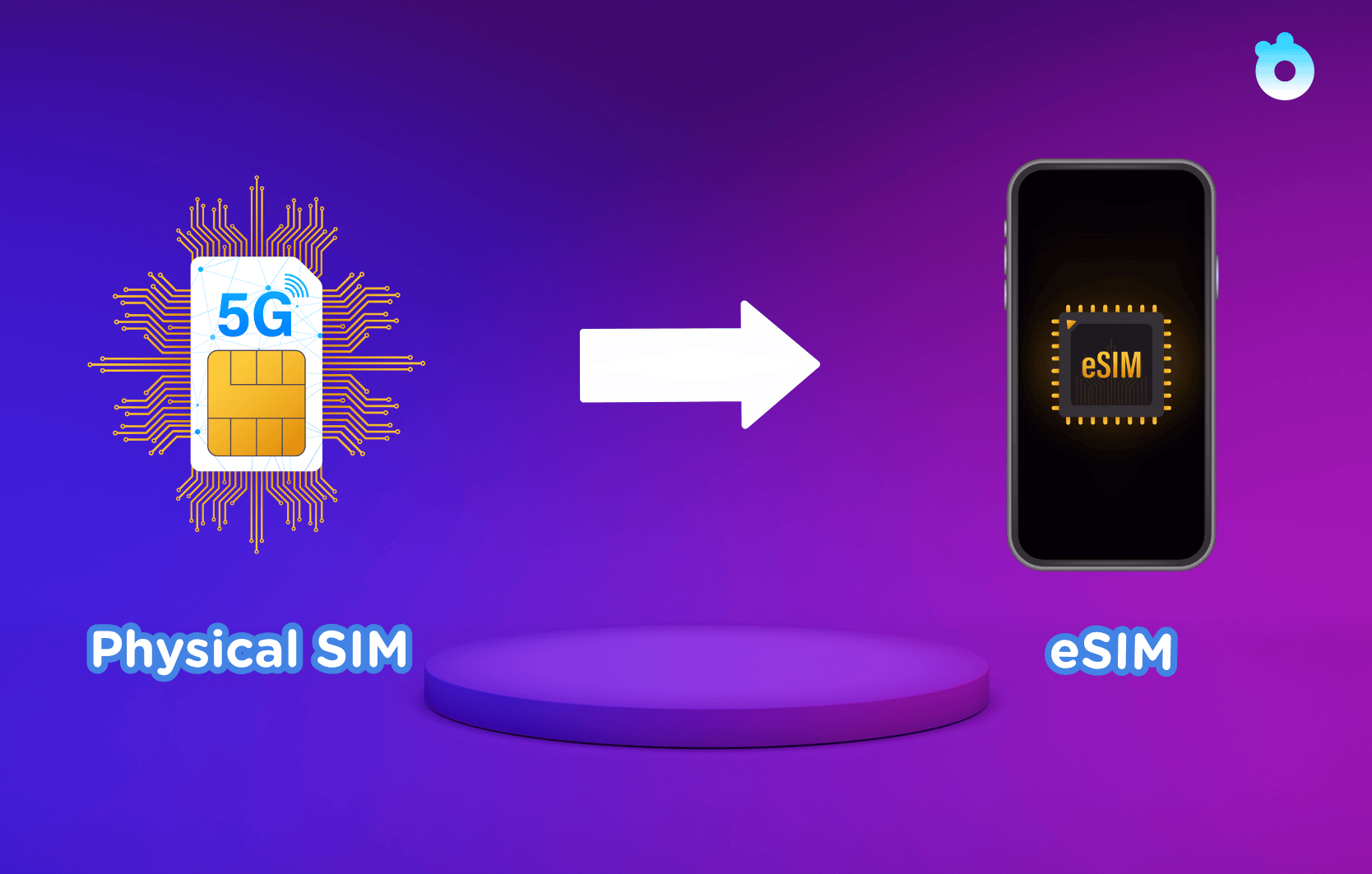
- Instant activation. You can set it up within minutes after scanning a QR code.
- More space. You can keep your Smart line active while using another eSIM, such as a Gohub travel eSIM, for international trips.
- Better for the environment. There is no plastic card or packaging waste.
- Dual SIM option. You can keep two numbers on one device.
- Ready for the future. New iPhones and Android models now rely mainly on eSIM.
If you travel often, eSIM helps you stay connected without buying or swapping physical SIMs. You can add a travel plan even before your flight.
Who Can Upgrade to Smart eSIM
All Smart postpaid subscribers can upgrade. This includes Smart Signature and Smart Infinity accounts.
Before visiting a Smart Store, make sure you meet these conditions:
- You have an active Smart postpaid line.
- Your phone supports eSIM. Most iPhones from the iPhone XS and newer do. The same applies to Samsung Galaxy S20 and above or Google Pixel 4 and later.
- Your phone must be unlocked.
If you are not sure about compatibility, open your phone settings. Or check the official GSMA device list to confirm if your phone supports eSIM.
Requirements and Cost of Upgrading
Upgrading is simple but you need to bring a few items to the store:
- A valid government ID
- Your current physical SIM card
- The phone that will use the eSIM
- A working email address where Smart can send your QR code
For most postpaid customers, the eSIM upgrade does not cost extra. Some branches may charge a small replacement fee. It is best to confirm this with your nearest Smart Store before visiting.
Step-by-Step: How to Upgrade Your Smart Postpaid SIM to eSIM
Smart currently performs postpaid upgrades in person. Here is how to do it properly.
Step 1. Visit a Smart Store.
Go to any official Smart branch or service center. Bring your ID and your existing SIM.
Step 2. Request the upgrade.
Tell the staff you want to switch your postpaid SIM to an eSIM. They will verify your account and confirm your details.
Step 3. Wait for the QR code.
Once verified, Smart will deactivate your old SIM and send a new eSIM QR code to your email.
Step 4. Scan and install the eSIM.
Open the email on your phone. Scan the QR code and follow the prompts on screen.
On iPhone, open Settings, select Cellular, and choose Add eSIM.
Need help? Follow Apple’s official eSIM install guide.
On Android, go to Settings, then Network & Internet, and select Add Carrier.
Step 5. Label your new eSIM.
Rename it to something like “Smart Postpaid” so you can identify it easily.
Step 6. Restart your phone.
Reboot your device to refresh the network connection. Your signal should return shortly after that.
Need help with scanning or adding the QR code? Follow our step-by-step eSIM installation guide for iPhones.
Once you see the Smart network appear, your postpaid number is active again, this time as an eSIM.
What Happens After the Upgrade
After activation, your old plastic SIM will no longer work. You will still keep the same number, plan, and remaining data or call credits.
A short signal interruption may happen during activation, usually lasting less than two minutes. Afterward, your phone connects automatically to Smart’s network.
With the eSIM active, you can now enjoy dual SIM use. Keep your Smart number for calls and texts while using a Gohub travel eSIM for affordable data abroad.
Common Problems and How to Fix Them
Most upgrades finish smoothly, but these quick tips can help if something goes wrong.
Problem: You did not receive your QR code email.
Check your spam or promotions folder. If it is not there, ask the store to resend it or confirm your email address.
Problem: Your phone shows “No Network.”
Ensure the eSIM line is enabled in settings. You can also toggle airplane mode on and off or restart your phone.
Problem: The QR code will not scan.
View the QR code on another device and scan it directly from the screen. Do not print or crop it.
Problem: You want to return to a physical SIM.
Smart allows reconversion. Visit a Smart Store again to request a replacement SIM.
Problem: You changed to a new phone.
Each eSIM is linked to one device. Request a new QR code when transferring your number to a different phone.
Frequently Asked Questions
Can I upgrade my Smart postpaid SIM to eSIM online?
No. Smart requires postpaid users to visit a Smart Store for verification.
How long does the upgrade take?
Most customers finish within fifteen to thirty minutes.
Will my phone number stay the same?
Yes. Your current Smart postpaid number remains unchanged.
Will there be downtime during activation?
Yes, but it is very short. Expect a short signal drop while the eSIM connects.
What if I lose my phone after switching to eSIM?
Go to any Smart Store. They can deactivate the lost eSIM and issue a new one linked to your existing number.
Can I still use a second SIM?
✅ Yes! Use another SIM or travel eSIM like Gohub for international use.
Final Thoughts
Upgrading your Smart postpaid SIM to an eSIM is a simple way to modernize your mobile experience. It removes the need for plastic cards, helps you manage your number digitally, and prepares your phone for seamless travel.
If you travel often, an eSIM setup makes life much easier. You can keep your Smart number active for local calls and texts while adding a Gohub eSIM for high-speed data anywhere you go — including the Philippines.
Gohub eSIMs are designed for travelers who want to stay connected from the moment they land. They work instantly after purchase, require no paperwork, and cover over 190 destinations worldwide. That includes strong coverage across major Philippine cities and tourist islands.
Whether you’re exploring the beaches of Palawan, attending a business trip in Tokyo, or hopping between Asian capitals, Gohub keeps you online without roaming fees or SIM swaps.
The future of connectivity is digital. Start it with your Smart eSIM for your main number and pair it with a Gohub eSIM for smooth, reliable internet wherever your travels take you.
Related Articles You Might Like: